This article is part of the local UponAI blog library and focuses on practical AI voice and communications workflow lessons that matter in live business environments.
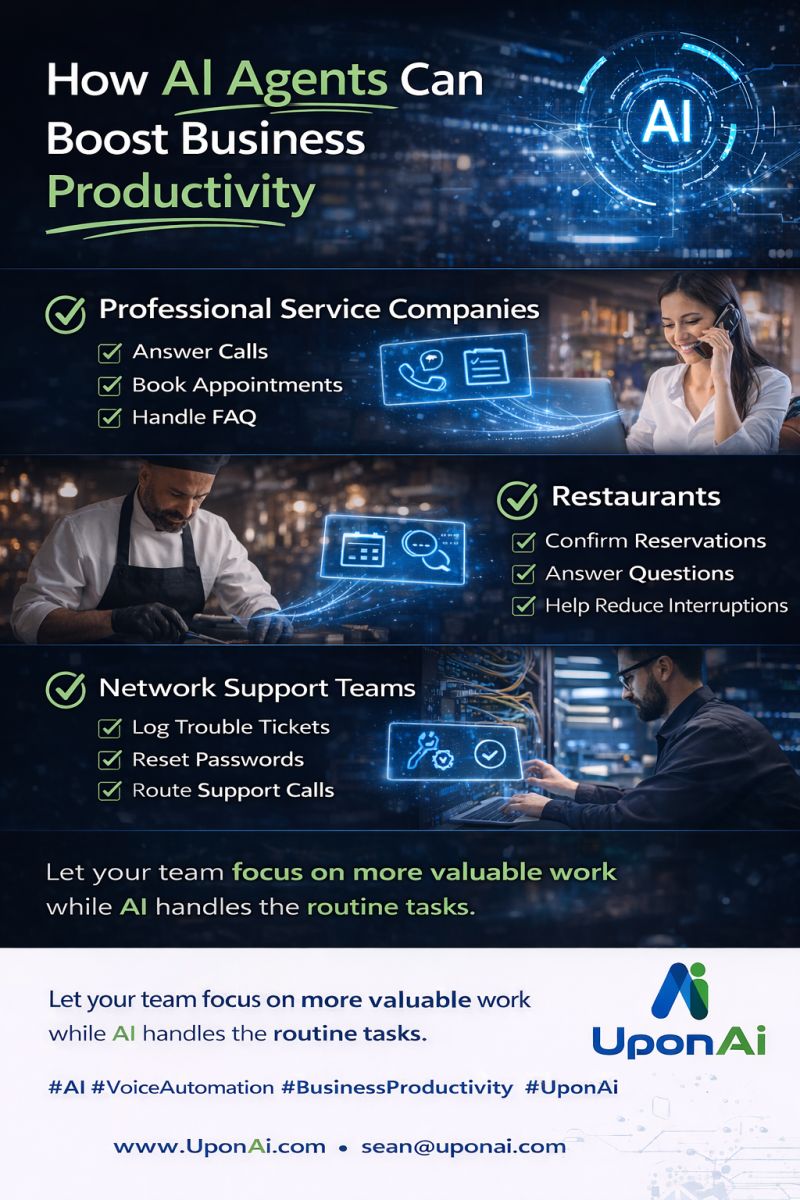
For professional service companies, that can mean answering calls, booking appointments, routing requests, and handling common questions.
For restaurants, it can mean helping with reservation requests, answering common questions, and reducing interruptions for staff.
For network support teams, it can mean logging tickets, resetting passwords, collecting issue details, and routing support calls.
In every case, the goal is the same. Let your employees focus on higher-value work while AI helps with the simple tasks that slow them down.
The best part is that you do not need to change your current phone system to make it work.
If you want to see how UponAi could help your business, ask for a demo.
What This Means
UponAI content is built around production use, not generic AI positioning. The goal is to help teams understand how routing, call handling, automation, and human handoff behave once the system is part of daily operations.
Related Solutions
Explore Related Reading
One Number, Every Location: How Pro On Call Unified a Multi-Site Real Estate Client
Pro On Call Technologies gave a multi-location real estate client one phone number, speech-based routing to the right office, and a receptionist that sounds personable rather than robotic. Here is how the deployment came together.
From Voicemail to eBay Sale: After-Hours Calls That Now Close Business
Advanced Hosted Services runs UponAI’s voice agents on its own phones and resells them to customers across 16 states. Here’s what changed.
How PressOne Eliminated Hold Times and Scaled Support Without Adding Headcount
An 800-person organization with 3 IT staff was stacking 15 to 20 callers on hold at once. Here is how PressOne used UponAI voice agents to answer every call, open tickets automatically, and cut hold time to zero.