
This article is part of the local UponAI blog library and focuses on practical AI voice and communications workflow lessons that matter in live business environments.
Creating effective prompts for AI agents can be tricky, especially if you're new to working with large language models. Not anymore.
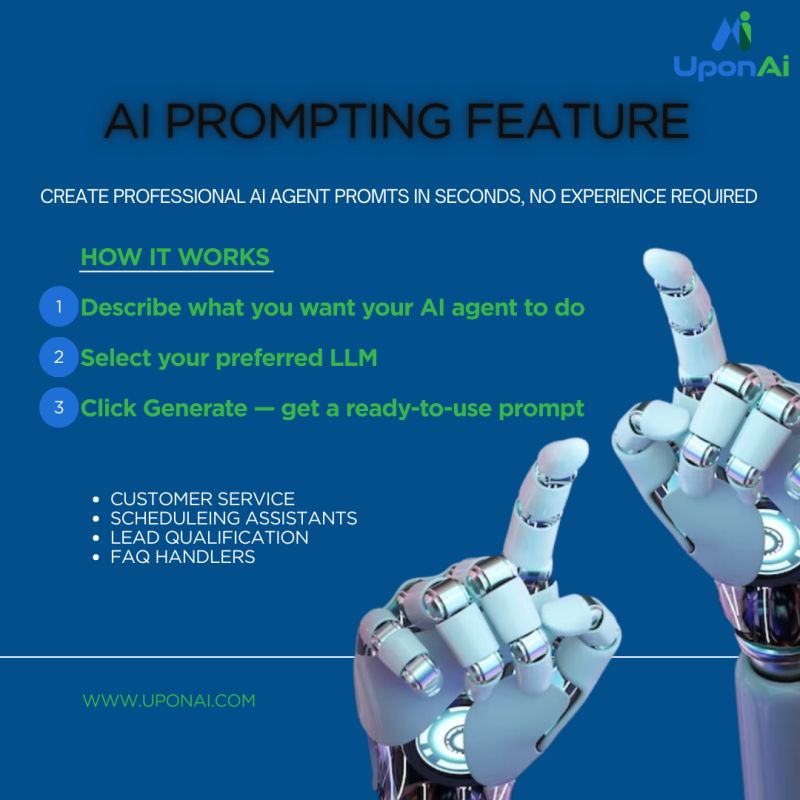
Our new AI Prompting feature does the heavy lifting for you:
1️⃣ Describe what you want your AI agent to do
2️⃣ Select your preferred LLM
3️⃣ Click Generate
That's it. You'll instantly receive a professional, templated prompt ready to use.
Perfect for building:
📞 Customer service agents
📅 Scheduling assistants
🎯 Lead qualification bots
❓ FAQ handlers
Whether you're a complete beginner or just want to save time, this feature makes building AI agents accessible to everyone.
What This Means
UponAI content is built around production use, not generic AI positioning. The goal is to help teams understand how routing, call handling, automation, and human handoff behave once the system is part of daily operations.
Related Solutions
Explore Related Reading
One Number, Every Location: How Pro On Call Unified a Multi-Site Real Estate Client
Pro On Call Technologies gave a multi-location real estate client one phone number, speech-based routing to the right office, and a receptionist that sounds personable rather than robotic. Here is how the deployment came together.
From Voicemail to eBay Sale: After-Hours Calls That Now Close Business
Advanced Hosted Services runs UponAI’s voice agents on its own phones and resells them to customers across 16 states. Here’s what changed.
How PressOne Eliminated Hold Times and Scaled Support Without Adding Headcount
An 800-person organization with 3 IT staff was stacking 15 to 20 callers on hold at once. Here is how PressOne used UponAI voice agents to answer every call, open tickets automatically, and cut hold time to zero.